
Craft CMS Development, Custom Plugins and Corporate Websites
Craft CMS websites for structured content and custom workflows
I use Craft CMS for projects that need a flexible content structure, a clear editorial panel and better control over the codebase than a standard template can provide.
My work includes corporate websites, content platforms and custom Craft CMS plugins. I also handle PHP and Twig optimization, integrations with external systems and caching layers based on Varnish, Cloudflare or CDN services.
Craft CMS is often a good fit when the website needs to grow over time without becoming difficult to manage.
Below you can find selected implementations and plugins built around practical business requirements.
Browse Selected Projects
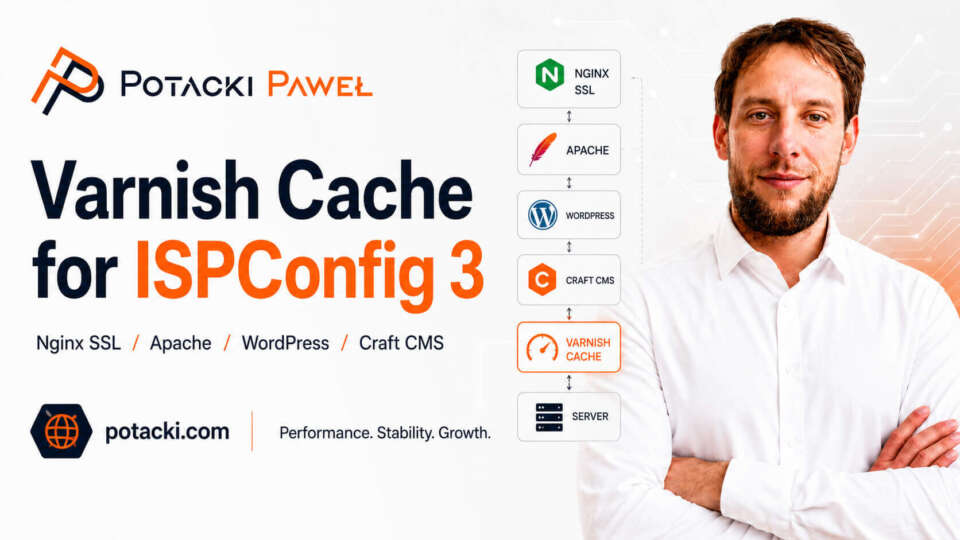
Varnish Cache for ISPConfig 3 with Nginx SSL Termination
- Craft CMS
- Custom Software
- Linux, DevOps
- WordPress
Varnish Cache integration with ISPConfig 3, Nginx SSL and Apache for WordPress and Craft CMS, with purging, Cloudflare and Brotli support.
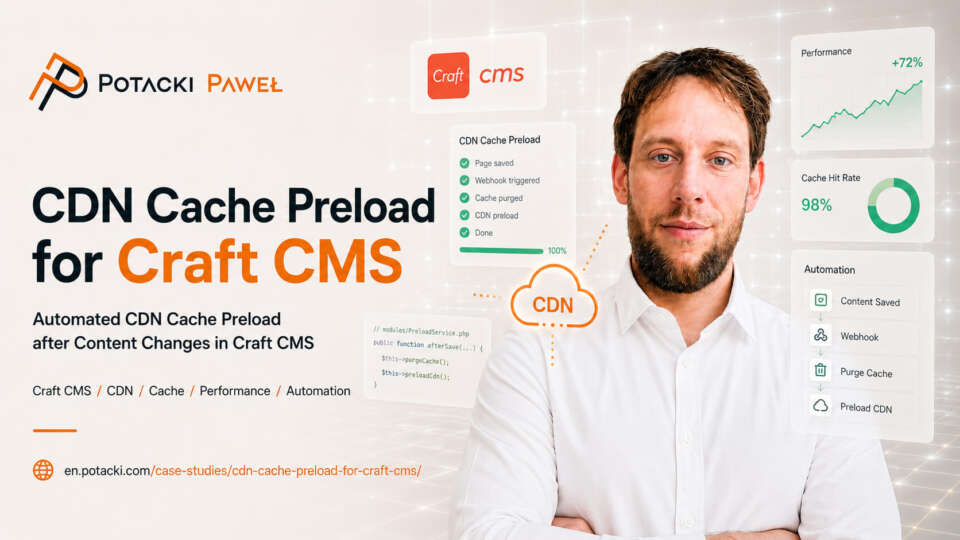
CDN Cache & Preload in Craft CMS
- Craft CMS
- Custom Software
- Linux, DevOps
Craft CMS plugin for automated cache purging and warming with Varnish, Cloudflare, sitemap processing, URL exclusions and queued jobs.
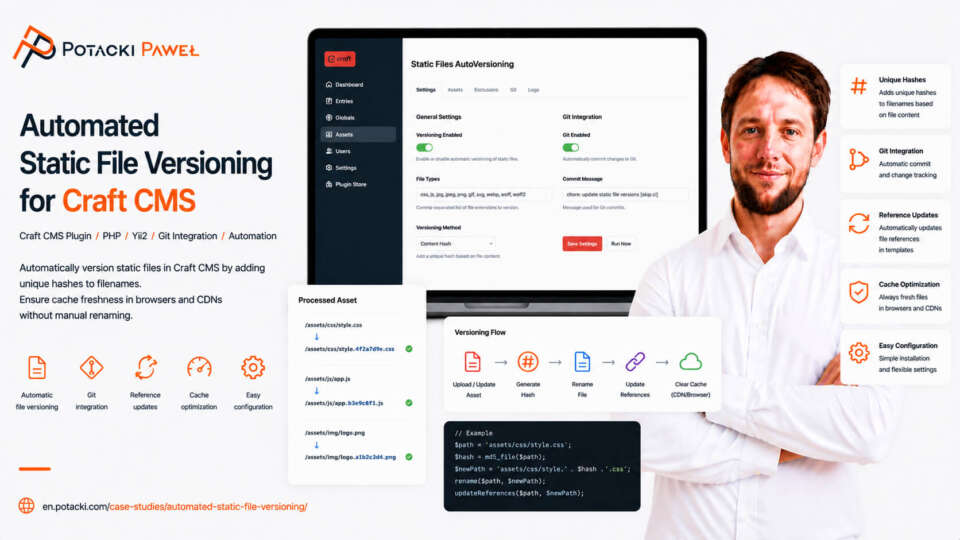
Automated Static File Versioning for Craft CMS
- Craft CMS
- Custom Software
- Linux, DevOps
Craft CMS plugin for automated versioning of CSS, JavaScript and other static assets to prevent stale-cache issues after deployment.
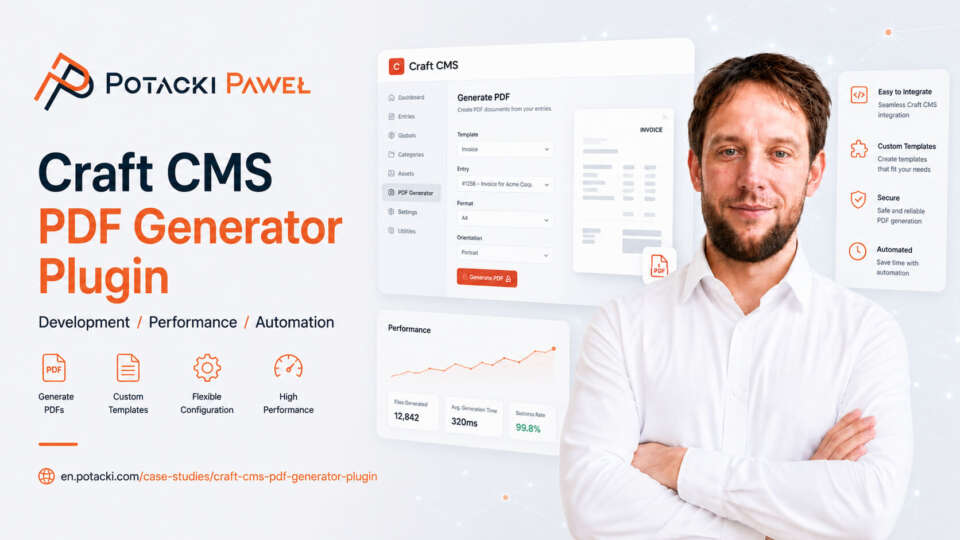
Craft CMS PDF Generator Plugin
- Craft CMS
- Custom Software
Craft CMS plugin for generating PDFs from Twig templates, HTML and URLs, with Assets integration, caching, QR codes, watermarks and PDF/A or PDF/X support.
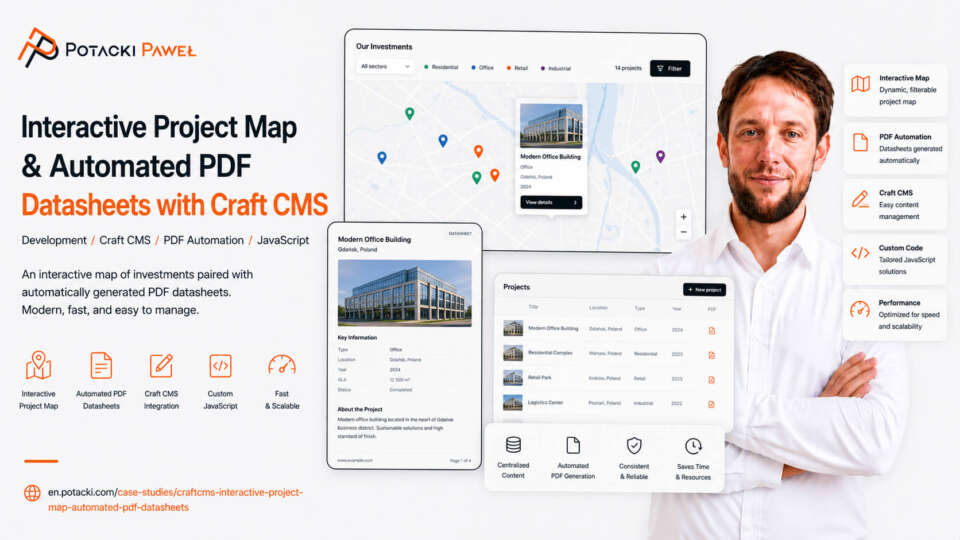
Craft CMS Interactive Project Map & Automated PDF Datasheets
- Craft CMS
Craft CMS project for Sienkiewicz MAT-BUD with an interactive Mapbox project map, marker clustering and automated PDF datasheets.

Craft CMS Website for Torpol Oil & Gas
- Craft CMS
Craft CMS website for Torpol Oil & Gas with service information for the oil, gas, chemical and energy sectors.
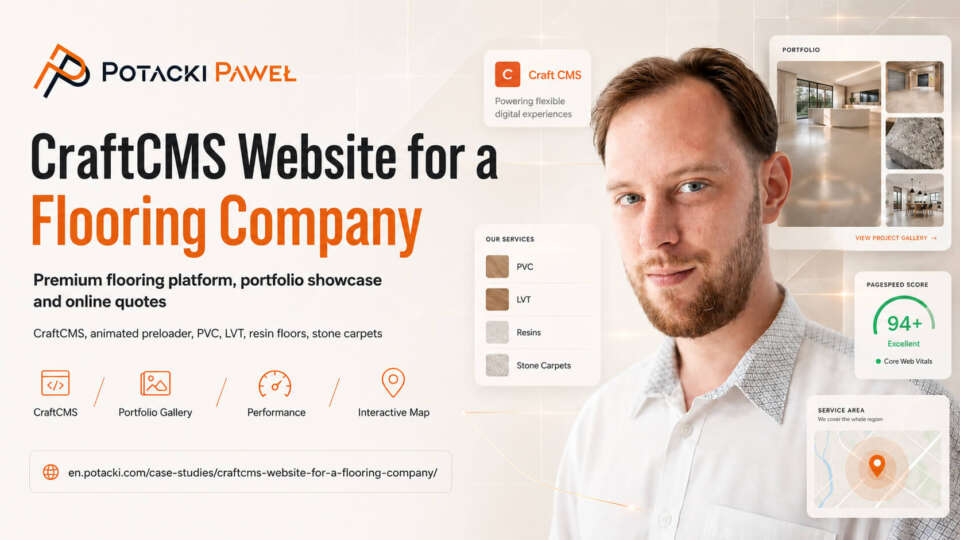
Craft CMS Website for Flooring Company
- Craft CMS
Craft CMS website for Dekofloor with structured service pages, project galleries, a contact form, location map and mobile-friendly layout.
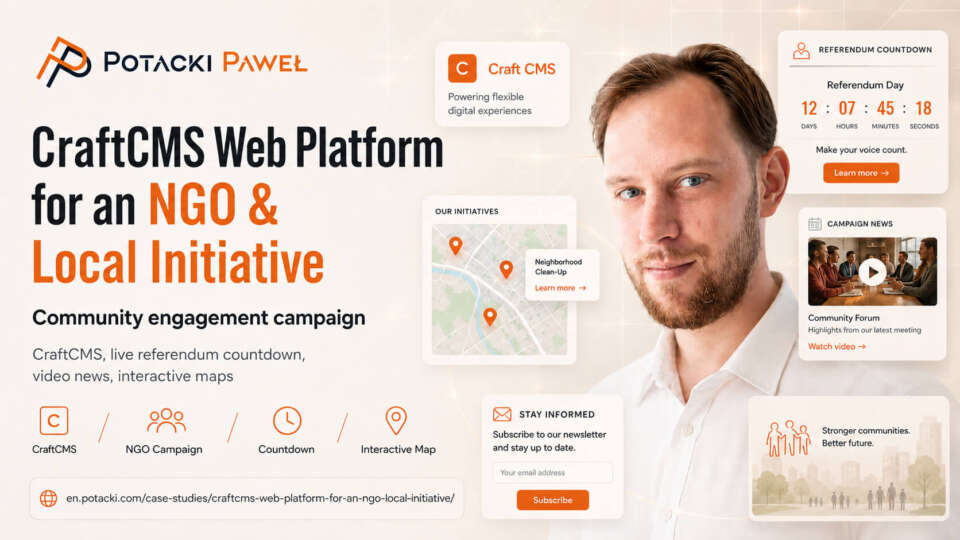
Craft CMS Website for a Local Initiative
- Craft CMS
Craft CMS website for a local initiative with news, interactive elements, a map and an editorial panel for day-to-day updates.
Tell Me About Your Project
What You Can Expect When Working with Me
A good project starts with understanding the real problem. Before I write any code, I review the requirements, look at the current setup and suggest an approach that makes sense for the business, the budget and the expected scale.
Security and stability from the beginning
I think about data protection, maintainability and failure prevention before development starts. These are part of the architecture, not fixes added later.
Performance matched to the project
I optimize the code, database and server environment according to the way the system will actually be used. This includes everyday traffic, seasonal demand and predictable spikes during campaigns or product launches.
Clear communication
I explain the technical decisions in plain language. You know what is being built, why a particular solution was chosen and what alternatives were considered.
How We Work Together
I do not treat projects as an assembly line. I work on a limited number of implementations at a time so I can stay involved in the details and make sensible technical decisions throughout the process.
1. Initial Review
You describe the project, the current problem or the planned changes. I review the requirements and usually reply within 24 hours with initial feedback, follow-up questions and an estimated scope of work.
2. Architecture and Scope
Before development starts, we define the scope and select the right tools. Depending on the project, this may include WordPress, WooCommerce, Craft CMS, PrestaShop, custom PHP development, external integrations or Linux server configuration.
3. Development and Deployment
I handle the implementation, testing, deployment and performance tuning. After launch, I can also take care of updates, monitoring, further development and server maintenance when ongoing support is needed.