
Automated Static File Versioning for Craft CMS – Enterprise Cache-Busting Dev Tool
Static Files Autoversioning for Craft CMS
Static Files Autoversioning is a Craft CMS plugin that helps prevent stale-cache issues after changes to CSS, JavaScript and other static assets.
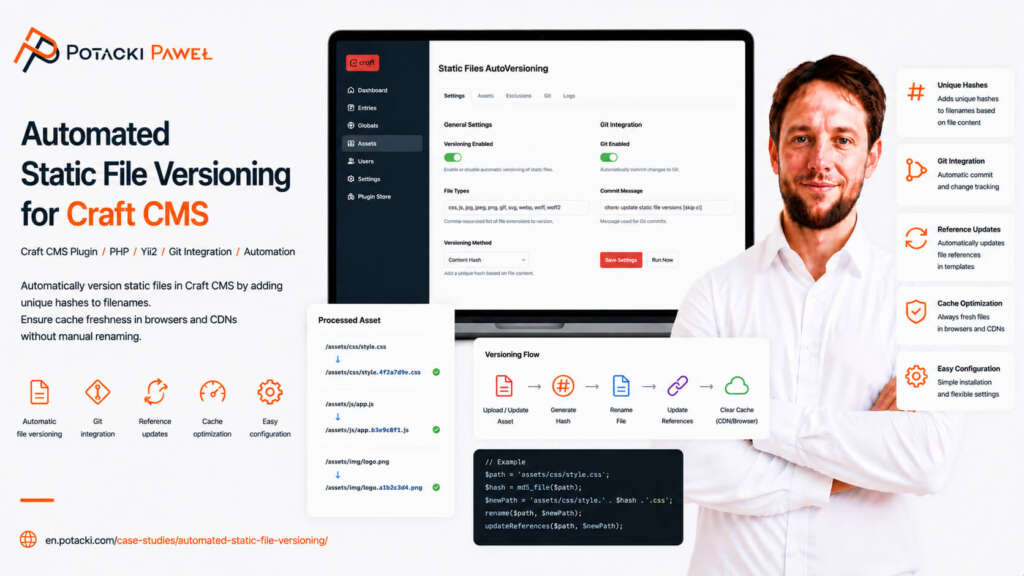
The Problem
Browser caching and CDN layers improve website performance, but they can also cause problems after deployment. A visitor may receive an older CSS or JavaScript file even though a newer version is already available on the server.
For smaller projects, manually changing query parameters in templates is inconvenient. A larger bundler-based pipeline is not always justified either. I needed a lightweight solution that would solve the problem without adding unnecessary complexity.
The Solution
The plugin adds a version() function to Twig. It appends an asset version to the URL:
{{ version('/dist/css/main.css') }}The generated path may look like this:
/dist/css/main.css?v=1717869800Available Versioning Strategies
- mtime: the version is based on the file modification time,
- build.txt: the version is read from a file generated during deployment,
- environment parameter: the version can be set manually in configuration.
Where It Fits
The extension supports Craft CMS 3, 4 and 5 and can be used alongside Varnish, Cloudflare and static-rendering tools. The code is available publicly on GitHub and in the Craft Plugin Store.
It is a small tool, but it solves a real deployment problem that is easy to notice only after a stale asset reaches production. Active Installs on 05.06.2026 are 226.
🔗 Official Craft Plugin Store | GitHub Repository